
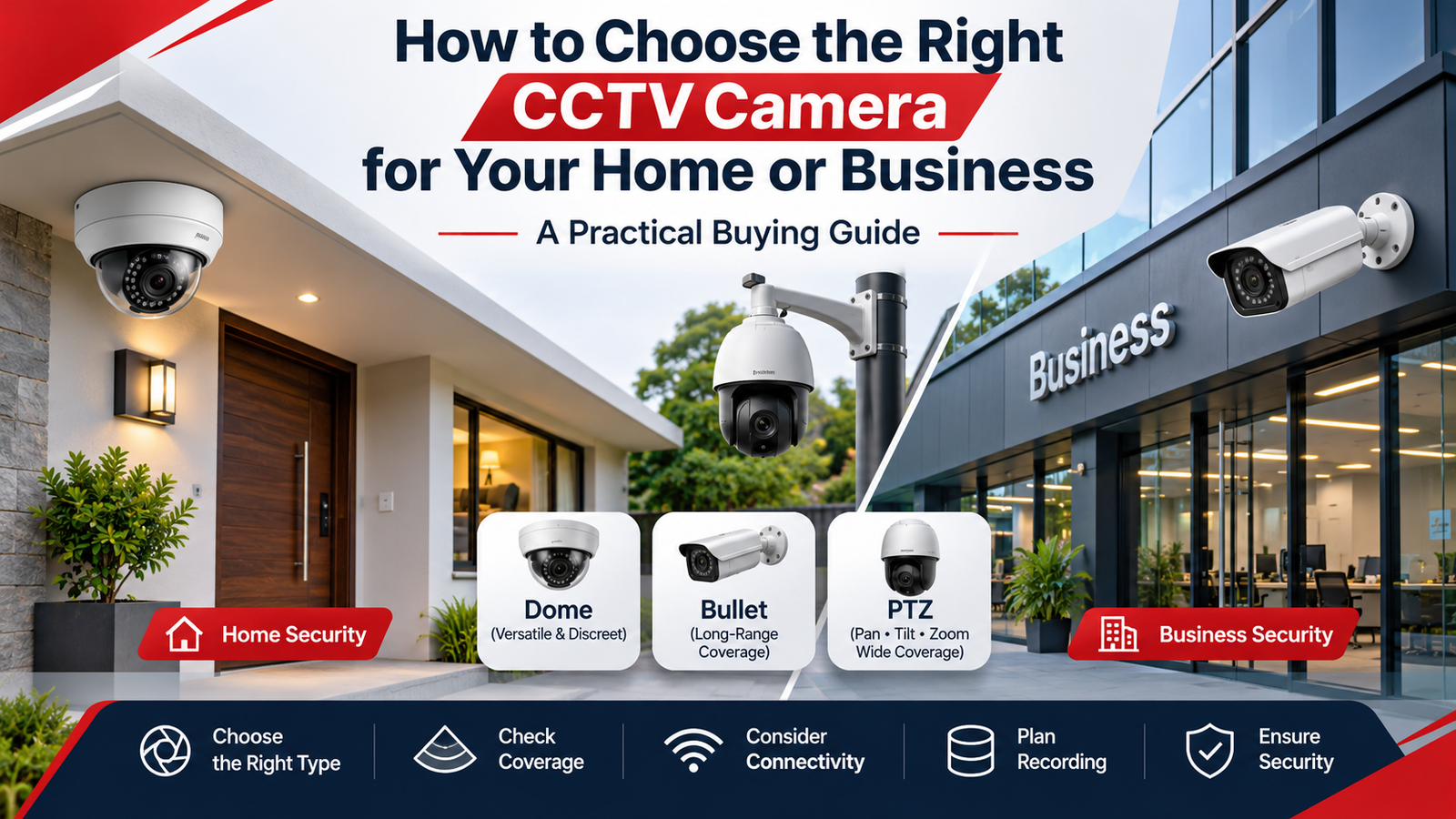
Choosing the right CCTV camera for your home or business means balancing coverage, image quality, installation requirements, recording, security and budget. This step-by-step guide explains what matters and shows relevant CP+ camera options.
Start with the purpose, not the megapixel count
The right CCTV camera is the one that captures useful footage of the area you actually need to monitor. A camera intended to show whether somebody entered a gate may need a wide view, whereas one positioned to capture identifying detail at a doorway needs a tighter, better-positioned view. A home in Dubai, a small shop in Sharjah and a warehouse in Abu Dhabi can therefore require very different combinations of cameras and recorders.
Before comparing models, list the locations to monitor, the events you want to see, the lighting conditions and whether you need to review footage remotely. This simple exercise prevents buying expensive hardware that does not solve the problem.
1. Decide which areas need coverage
At home: Prioritize entrances, gates, car parking, access paths and other property-specific vulnerable points. An apartment may need only a carefully placed front-door solution, subject to building rules. Villas commonly need several viewpoints because a single wide-angle camera can leave blind spots.
For businesses: Think about public entrances, cashier areas, merchandise zones, loading bays, storerooms and outdoor approaches. The layout should support security goals while respecting employee, visitor and customer privacy. Avoid directing cameras into private areas or neighboring property.
Sketch a basic site plan and mark the distance between the camera position and its subject. This helps determine the lens, mounting height, and whether a fixed or movable camera is appropriate.
2. Understand the main CCTV camera types
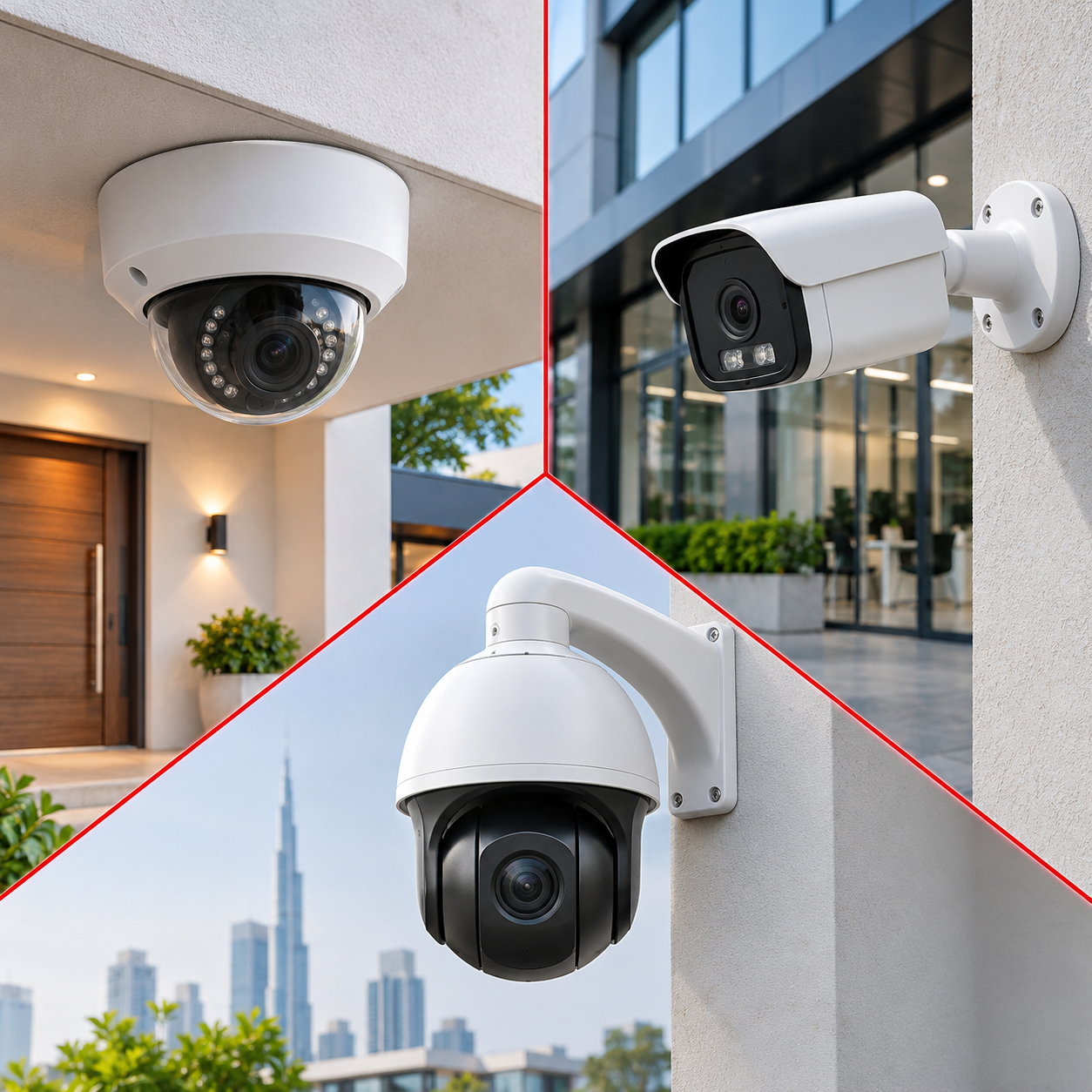
Dome cameras: Their compact, unobtrusive housing suits many entrances, corridors and sheltered areas. Compare the CP-100D dome camera listed on our website, but check the environmental rating before installing it outdoors.
Bullet cameras: These are visible, directional cameras often used to cover driveways, perimeter walls and commercial exteriors. The CP-500B outdoor bullet camera is one example from the CP+ catalog.
PTZ cameras: Pan-tilt-zoom cameras can look in different directions and zoom into distant areas. They are useful for larger spaces, but a moving PTZ camera may not continuously record every point in its viewing area. The CP-30X/WIFI PTZ camera is a listed option for comparison.
Panoramic cameras: Designed to capture a wider scene, these can help around large entrances or open spaces. The CP-400B panoramic bullet model provides another type to consider; verify how its wide field of view affects detail at a distance.
3. Choose wired, WiFi or 4G connectivity
Wired coaxial systems: These usually connect compatible analog/HD cameras to a DVR or XVR. They can be practical when cabling is already present or dependable centralized recording matters. Verify signal format, cable length, power and recorder compatibility.
IP or network cameras: Network-based systems may use Ethernet and, where supported, Power over Ethernet (PoE). Their camera features, networking requirements and NVR compatibility vary by model.
WiFi cameras: These can reduce the need for a network cable but still need reliable power unless battery-operated. Test signal strength at the actual mounting position; thick walls and distance from the router can affect performance.
4G and solar cameras: These may be suitable for remote gates, outbuildings or locations lacking fixed broadband. For example, the CP-5X/4G solar camera is listed in our catalog. Check network coverage, SIM charges, battery capacity, solar exposure and recording limitations before buying.
4. Compare image resolution and lens choice
You may see cameras advertised as 2MP, 5MP or 8MP. Higher resolution can provide more detail, but it is not a substitute for good positioning, suitable optics and adequate light. The distance between the camera and the person or object matters just as much as the overall image size.
A wide-angle view helps monitor an entire room or forecourt but may render a distant face too small. A narrower lens can capture more detail in a smaller area. Ask for sample footage captured in conditions similar to your site, and verify actual specifications in the current product datasheet. Some older image filenames and listing titles on the website are inconsistent, so do not rely on an image filename to determine sensor resolution.
5. Check nighttime performance and outdoor durability
For night surveillance, look at real low-light video rather than relying solely on a marketing phrase. Infrared systems typically provide monochrome night footage. Full-color systems may need ambient or supplemental light to retain useful color detail. Backlighting from headlights, bright shopfronts or strong sunshine can also affect visibility.
In the UAE, outdoor placement deserves extra attention because of heat, dust and exposure to the elements. Review the manufacturer’s operating-temperature and ingress-protection ratings for the exact model. Consider shaded mounting where appropriate and ensure equipment ventilation, power supplies and cable connections are suited to the environment.
6. Plan recording and storage before installation
A camera is only part of a surveillance system. Decide whether you want around-the-clock recording or event-triggered clips, how many days of footage are needed and who will be authorized to view or export recordings.
For supported coaxial cameras, the CP+ XVR-108S 8-channel recorder is among the models listed on the website. Complete bundles such as the CP+ 4-channel CCTV camera kit with 1TB HDD may simplify planning where the included components meet your needs.
Storage depends on camera count, bitrate, resolution, recording frame rate, codec, scene activity and retention duration. Avoid assuming that a particular drive size guarantees a fixed number of recording days. Make sure the recorder supports the camera format and resolution selected.
7. Review smart features and remote access
Motion alerts, two-way audio, vehicle or person detection, auto-tracking and mobile viewing can be useful, but feature support is model-specific. Confirm which functions require an app, local storage, internet access or subscription. A CP+ WiFi video doorbell can be practical for front-door monitoring, provided the WiFi connection and building rules permit installation.
For security, change default credentials, use unique strong passwords, enable multi-factor authentication where offered, keep supported firmware updated and restrict access to people who actually need it. Separate surveillance devices from sensitive business networks where practical.
8. Match the setup to your property
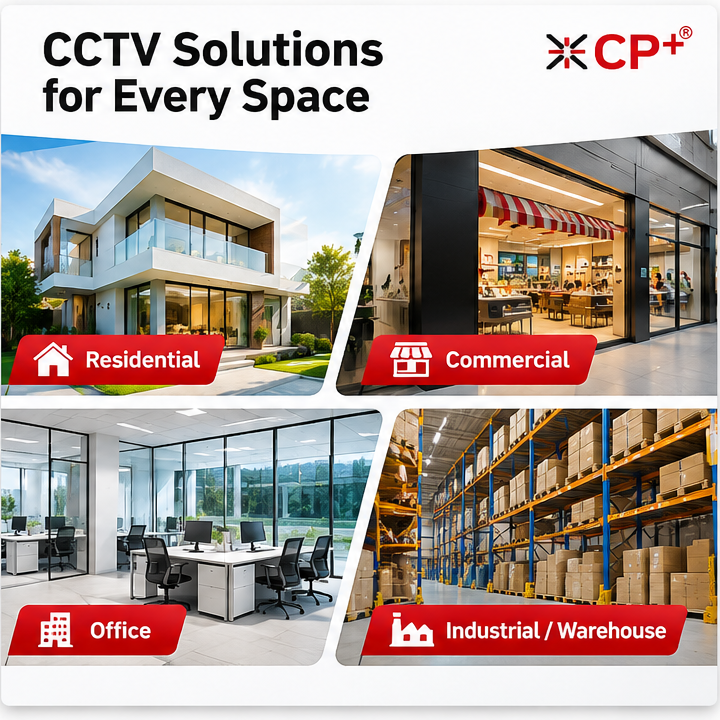
Apartment or small home: Consider entry-point monitoring, a compact camera or video doorbell, and a manageable recording method.
Villa: Assess the gate, main door, garage and side passages. Several fixed cameras may provide more reliable continuous coverage than one rotating unit.
Retail shop: Coverage of entrances, sales areas and stock rooms is usually more important than extreme zoom. Think about glare from glass doors, lighting and secure footage access.
Office: Focus on entries, common access routes and high-value equipment areas, while keeping privacy-sensitive spaces out of view.
Warehouse or industrial site: Perimeter coverage, loading bays and long viewing distances may require a combination of fixed, panoramic and PTZ cameras with a recorder sized for the camera count.
9. Understand privacy and compliance in the UAE
Camera placement and handling of recordings should respect privacy and any applicable local or sector-specific rules. The UAE has a federal personal data protection framework, while requirements for surveillance systems can vary by emirate, property type and regulated activity. In Dubai, some commercial premises may be subject to SIRA requirements. Do not assume that a home, retail shop and large regulated facility follow identical approval or retention rules.
Before installation, confirm the requirements that apply to your location, whether permission or signage is needed, how footage is protected, and who may access or share it. For an overview of the UAE privacy framework, consult the official UAE government data protection information. This article is a buying guide, not a legal compliance determination.
10. Ask these questions before you buy
Coverage: Which entrances or zones must be clearly visible, and at what distance?
Environment: Will the camera be indoors, sheltered outdoors or fully exposed?
Image quality: Can you review real footage by day and night?
Connections: Is wired, WiFi or 4G connectivity viable at the location?
Recording: Is the recorder compatible, and how much storage is needed?
Cybersecurity: Who can access the app and how are updates handled?
Installation: Who will handle camera angles, wiring and commissioning?
Support: What warranties, maintenance options and documentation are available?
Explore CP+ cameras and get advice for your site
The ideal solution is usually a combination of camera placement, suitable equipment and dependable recording—not a single “best” camera for everyone. Explore the CP+ CCTV Security product catalog to compare dome, bullet, PTZ and wireless models. For a home-specific overview, read our guide to CCTV cameras for home security in the UAE.
Planning a villa, shop, office or warehouse installation? Contact CP+ CCTV Security with your property type, approximate camera positions and recording requirements so the team can help you evaluate the available options.